Locations
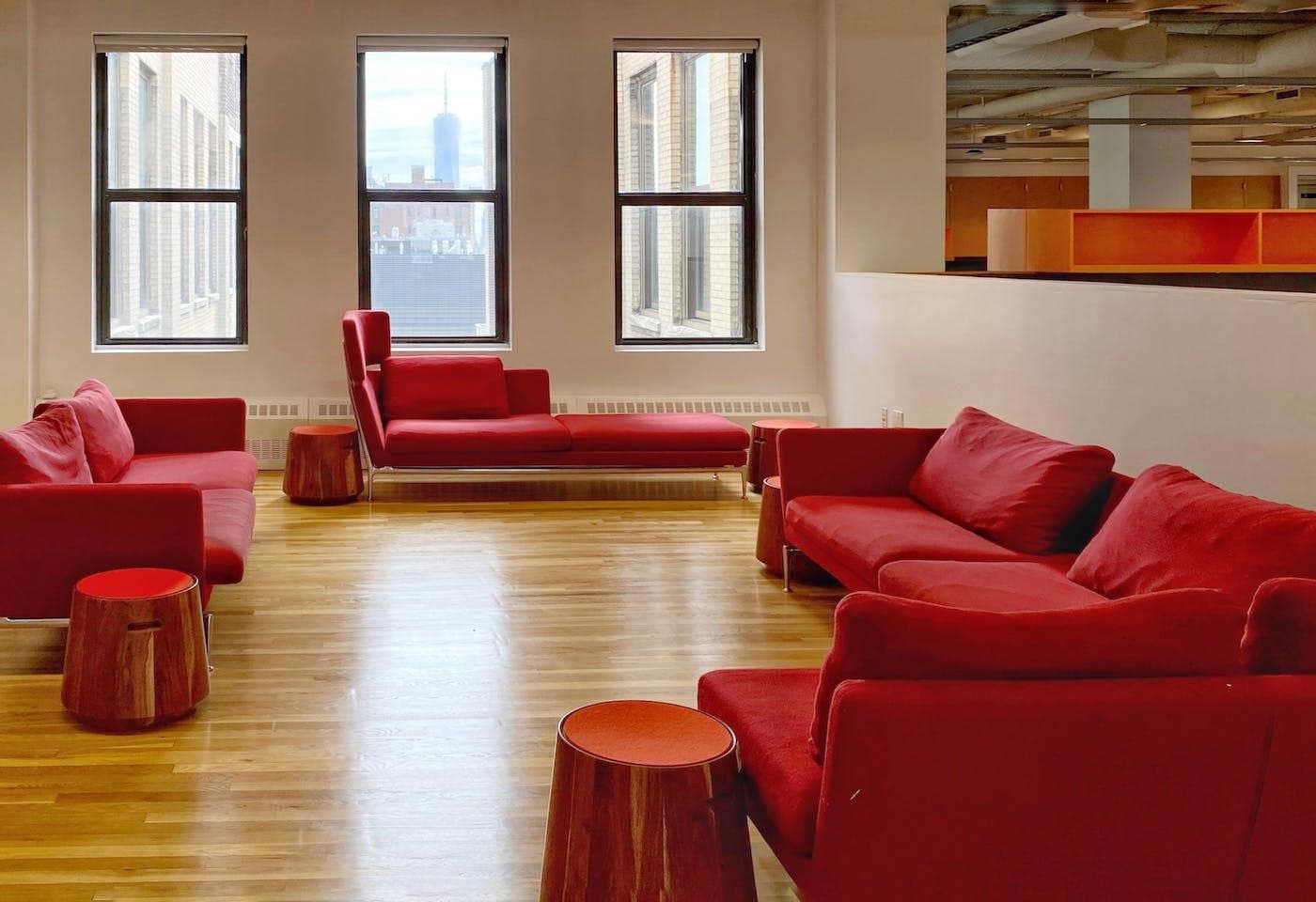
The New School has a co-working space known as the Admin Hub on campus for university staff use. We welcome your feedback on the hub, so that we can continue to improve the services and amenities offered.
Each hub user is required to have a reservation for at least one amenity. Reservations can be made up to 16 weeks in advance through Engage. You can check in for your reservation in the Engage app up to 30 minutes before your reservation time. You are also welcome to take advantage of the other amenities available while you are in the hub. Reservations are required for each type of reservable space, regardless of a room’s vacancy. Please refer to the lists below of reservable space in the hub, which are also outlined under Amenities.
We recommend that you bring the following items with you when you visit the Admin Hub, especially if you will be working at one of the workstations. We also have a tech lending library just in case you forgot something.
- A laptop
- A privacy screen
- An external mouse and keyboard
- Chargers for a computer and a cell phone
- Noise-canceling headphones
- A water bottle
All university staff (full-time, part-time, and temporary staff) can access the hub using their New School ID cards; faculty and students do not have access. No outside visitors are allowed in the hub unless they are attending a scheduled meeting hosted by a staff member with a reservation. Please contact hub Reception to arrange for wheelchair access if needed. We ask that you review the Hub House Rules before using the Admin Hub.
Get Help
Admin Hub Help
hubhelp@newschool.edu
646.909.7889
Engage System Reservation
reservationhelp@newschool.edu

